How to Share Your Wedding Invitation on WhatsApp (The Right Way)
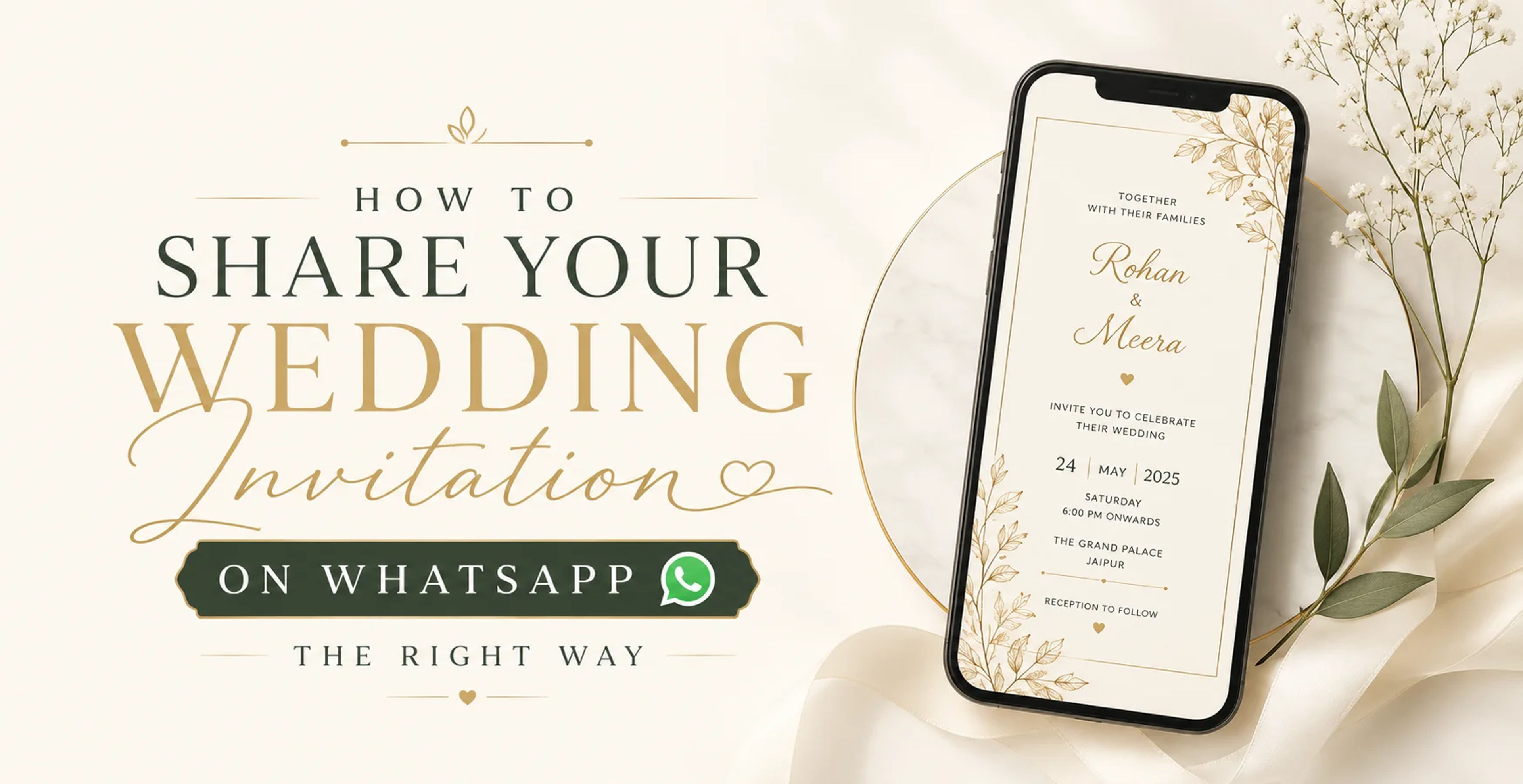
WhatsApp has replaced the postman for most Indian families. Today, wedding invitations reach guests in seconds — not days. But there's a big difference between forwarding a blurry image and sharing a polished digital invite that makes your family feel honoured.
Here's everything you need to know to share your wedding invitation on WhatsApp the right way.
Why WhatsApp Is the Best Channel for Digital Invitations
India has over 500 million WhatsApp users, and virtually every smartphone owner in the country uses it daily. Unlike email (which gets ignored) or Instagram DMs (which feel casual), WhatsApp messages are opened within minutes. For wedding invitations, that means:
- Immediate delivery — no waiting for postal delays
- Near-100% open rates
- Easy for guests to save and share with family members
- No printing or courier costs
Step 1: Get the Right Format
Not all digital invitations work equally well on WhatsApp. Here's what to choose:
JPG Image (Best for most guests)
A high-resolution JPG opens instantly in the chat without needing any app. It's the safest option for guests who aren't tech-savvy. At Digital Invites, our JPG format is optimised at 1080×1920px — perfect for mobile screens.
Video Invitation (Most impressive)
A 30–60 second animated video invitation is the gold standard. It plays directly in WhatsApp and leaves a lasting impression. Keep the file under 16MB so it doesn't compress when forwarded.
PDF (For formal invitations)
PDFs work well for corporate events or when guests prefer to print. They're best sent via email rather than WhatsApp, where images tend to get more attention.
Step 2: Write the Perfect Accompanying Message
Don't just drop the image in the chat. A personalised message makes guests feel truly invited. Here's a template:
"With the blessings of our families, we are delighted to invite you to celebrate our wedding. Please find our invitation attached. Your presence would mean the world to us. 🙏❤️"
For close family, add a personal touch — reference a shared memory or inside joke. For colleagues or acquaintances, keep it warm but brief.
Step 3: Use WhatsApp Broadcast (Not Group Chats)
Many people make the mistake of adding all guests to a single WhatsApp group. This leads to chaos — hundreds of "Congratulations!" messages disrupting everyone. Instead, use WhatsApp Broadcast:
- Open WhatsApp → New Broadcast
- Add up to 256 contacts
- Send your invitation and message
Each guest receives your message as a personal chat — it feels individual, not mass-marketed. For more than 256 guests, create multiple broadcast lists.
Step 4: Send in Batches by Relationship
Customise your message slightly for each group:
- Immediate family — most personal, mention their specific role
- Extended family — warm, traditional tone
- Friends — playful, add an emoji or two
- Colleagues — professional but warm
Step 5: Follow Up Closer to the Date
Send a reminder 1 week before the event with venue details, directions, and any dress code. This is also a good time to share your event schedule or any pre-wedding functions (Mehendi, Sangeet) that guests should know about.
Common Mistakes to Avoid
- Sending low-resolution images — they look pixelated when opened. Always use HD quality.
- Using group chats for invitations — guests get flooded with replies and feel the invite wasn't personal.
- Sending without a message — a bare image with no context feels impersonal.
- Forwarding someone else's invite design — always customise with your names and event details.
Ready to Create Your WhatsApp Wedding Invitation?
At Digital Invites, we create stunning digital wedding invitations in JPG, Video, and PDF formats — all optimised for WhatsApp sharing. Our designs are customised with your names, dates, and venue details, and delivered within 24 hours.
Browse our wedding invitation collection and find the design that feels like you.
Browse Wedding Invitations
Find the perfect design for your celebration — personalised and delivered in 24 hours.